
How to Create an AI Interview
What you'll achieve
Set up and share an AI avatar-based interview tailored to a specific role. Candidates complete it asynchronously — no scheduling needed.
Prerequisites
- An active Turiyaskills account (sign up free)
- At least 1 AI credit available (check Dashboard → Credits)
Steps
Step 1 — Open Assessments
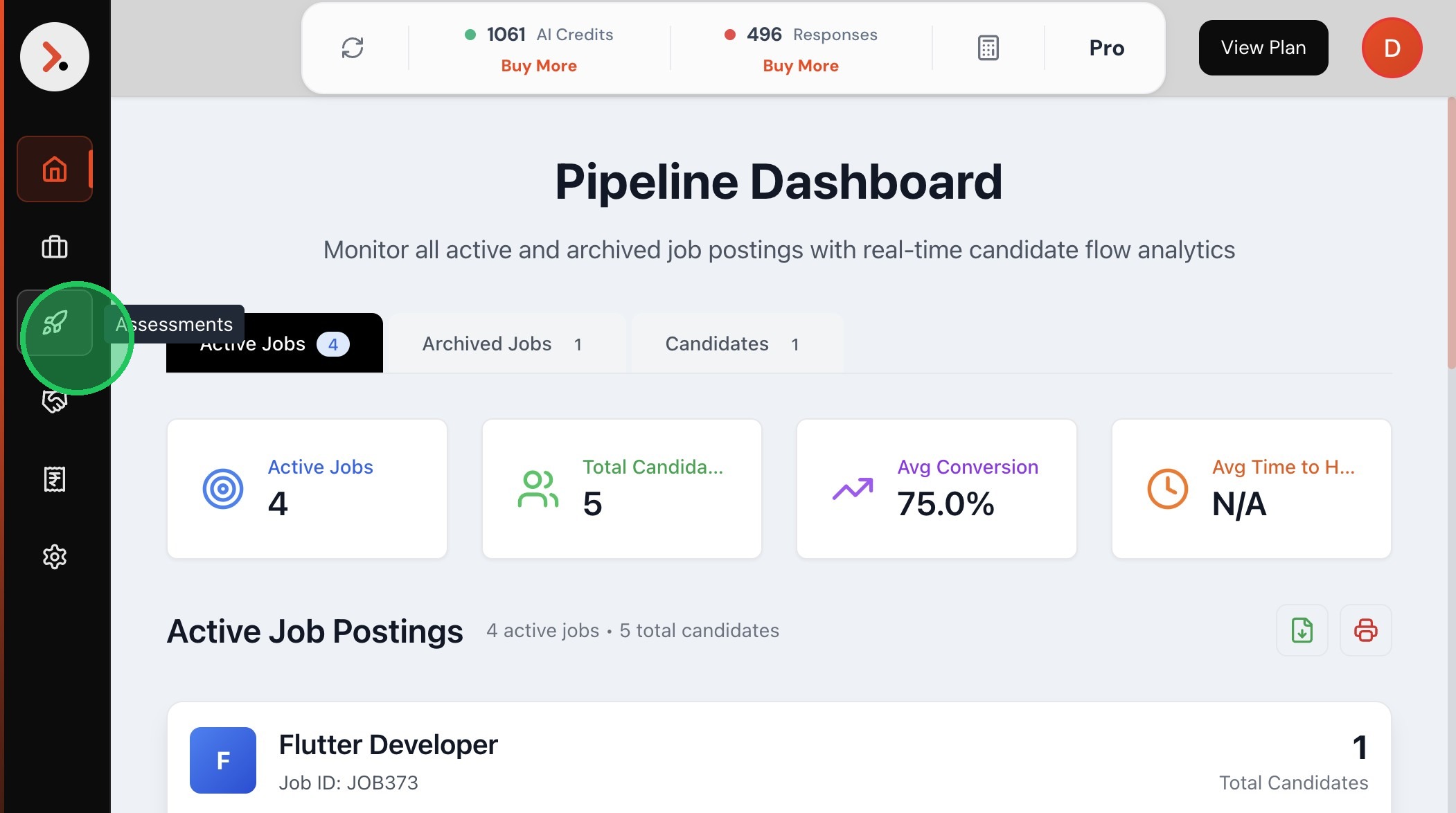
Navigate to the Assessments section from the left sidebar.

Step 2 — Click on Assessments
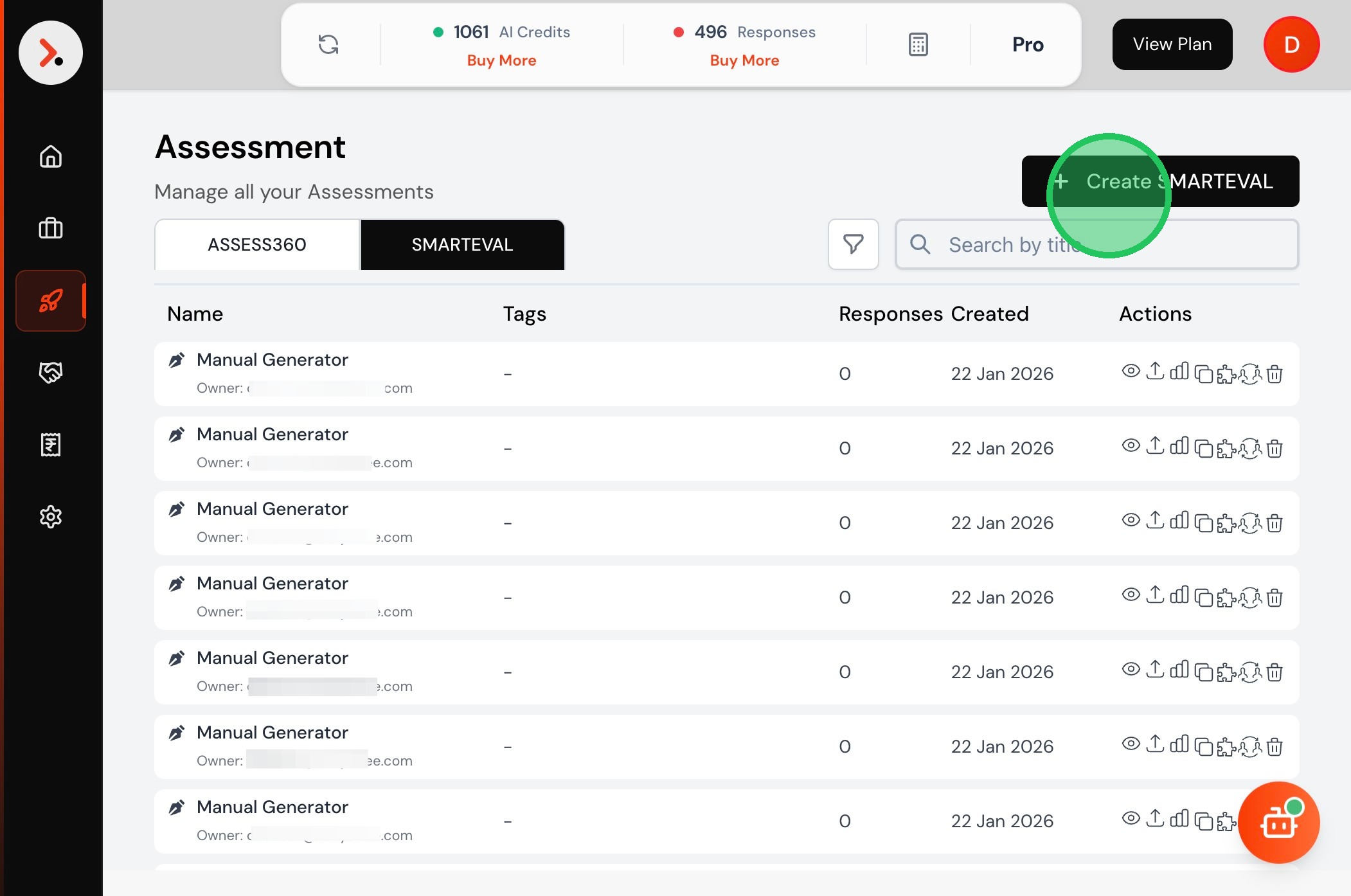
Step 3 — Create a SMARTEVAL
Click Create SMARTEVAL to start a new assessment container.
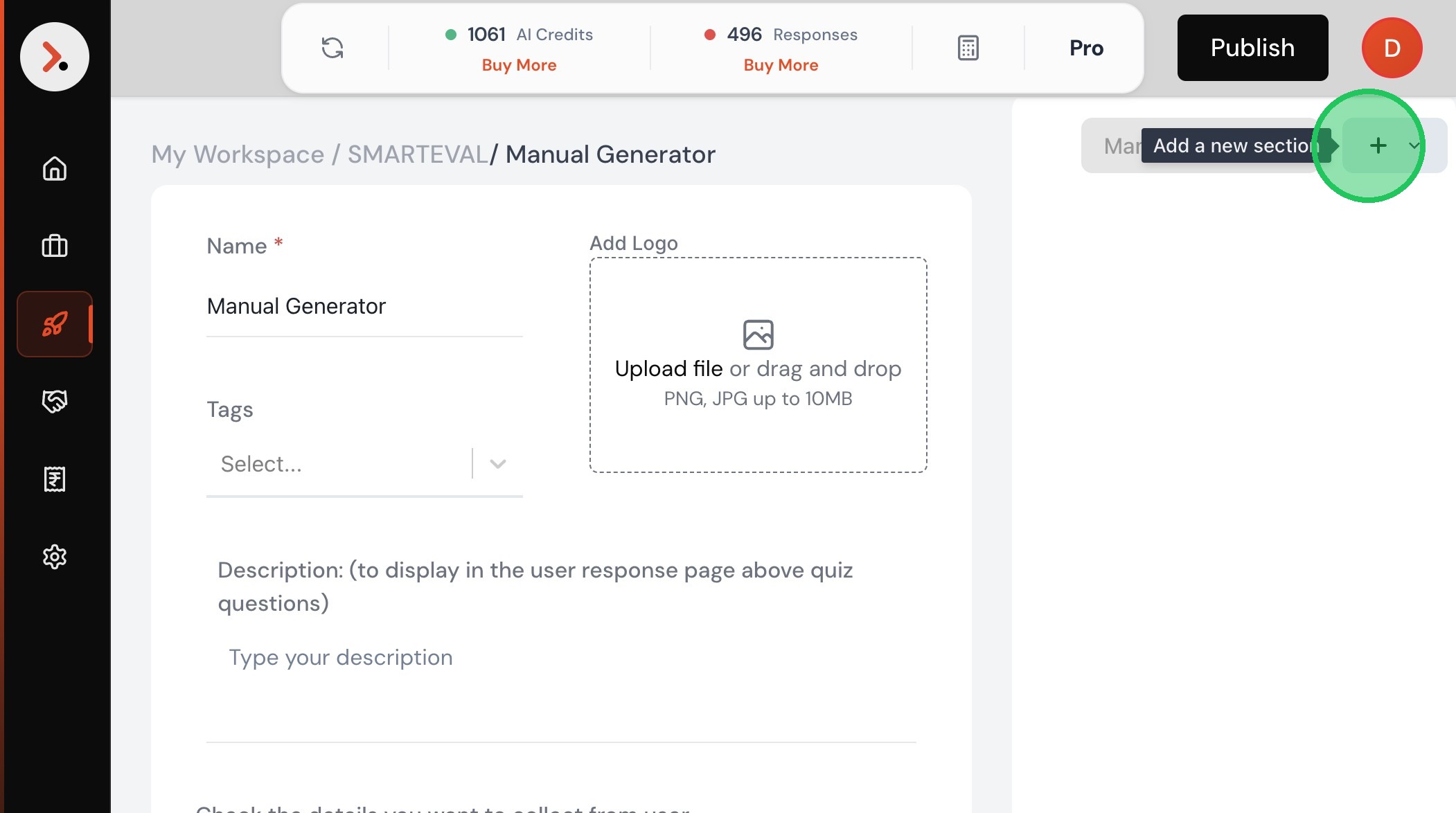
Step 4 — Add a section
Click the + button to add a new section inside the assessment.
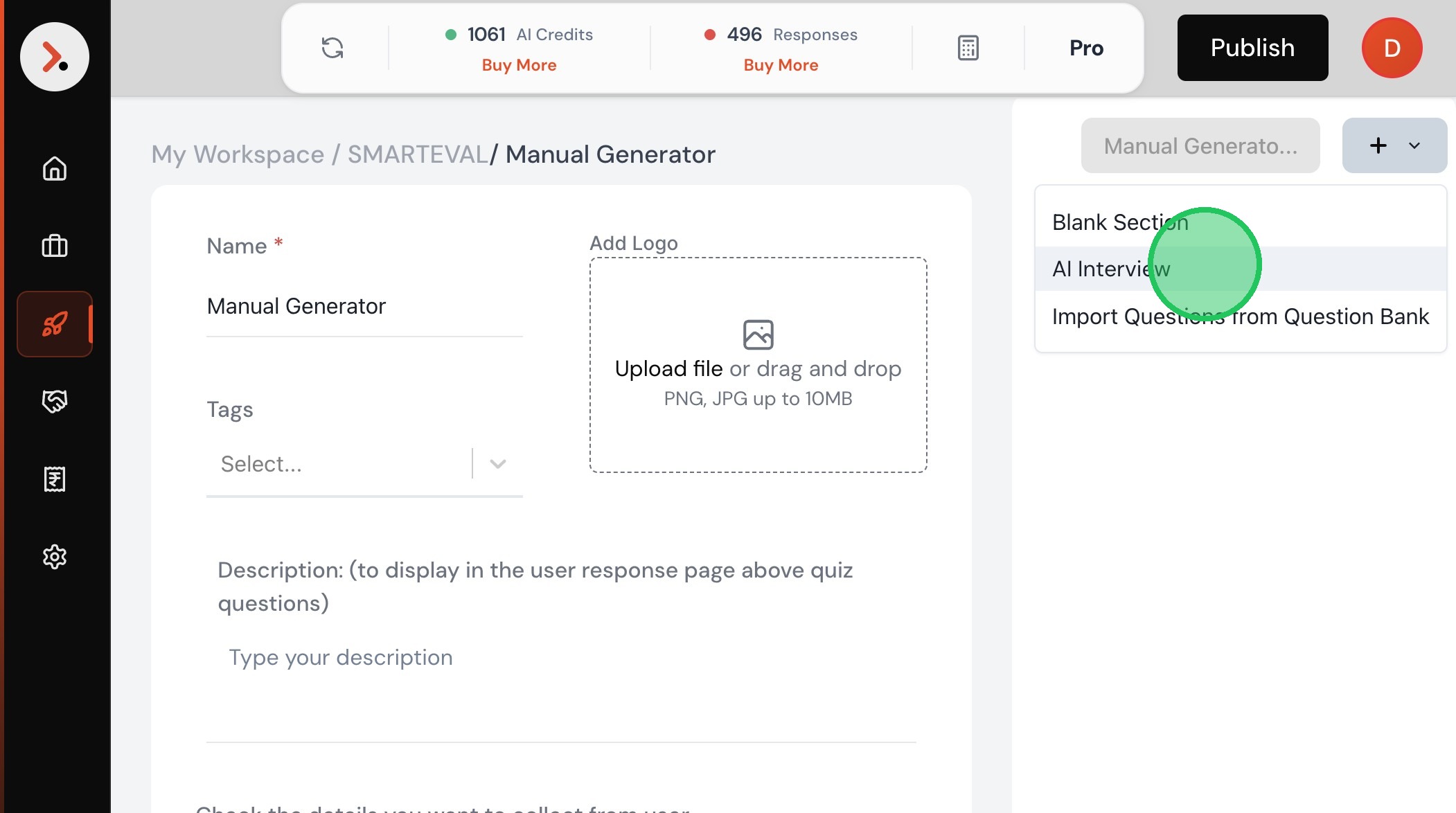
Step 5 — Select AI Interview
From the section type dropdown, select AI Interview.
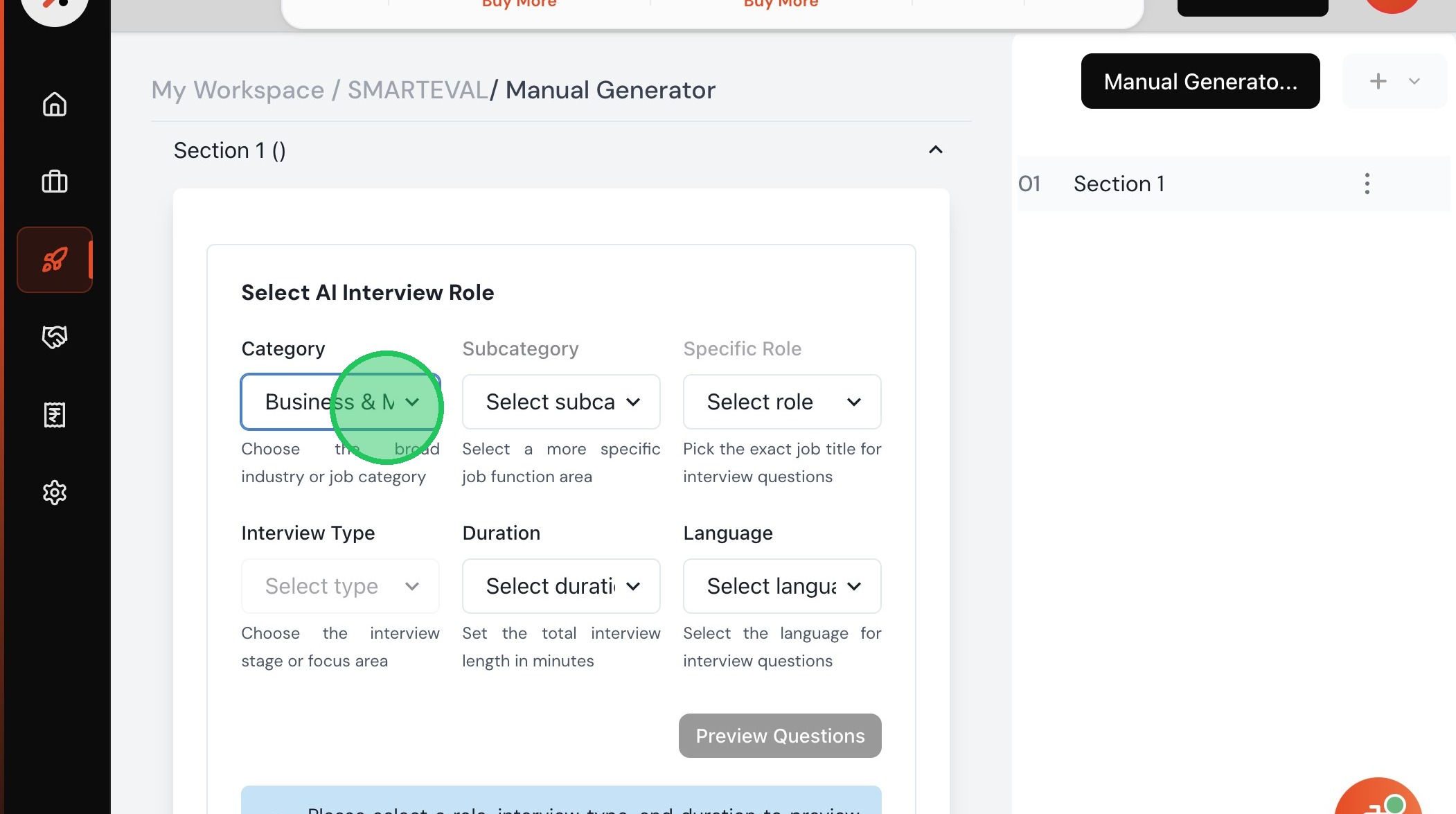
Step 6 — Choose a category
From the dropdown, select the relevant job category.
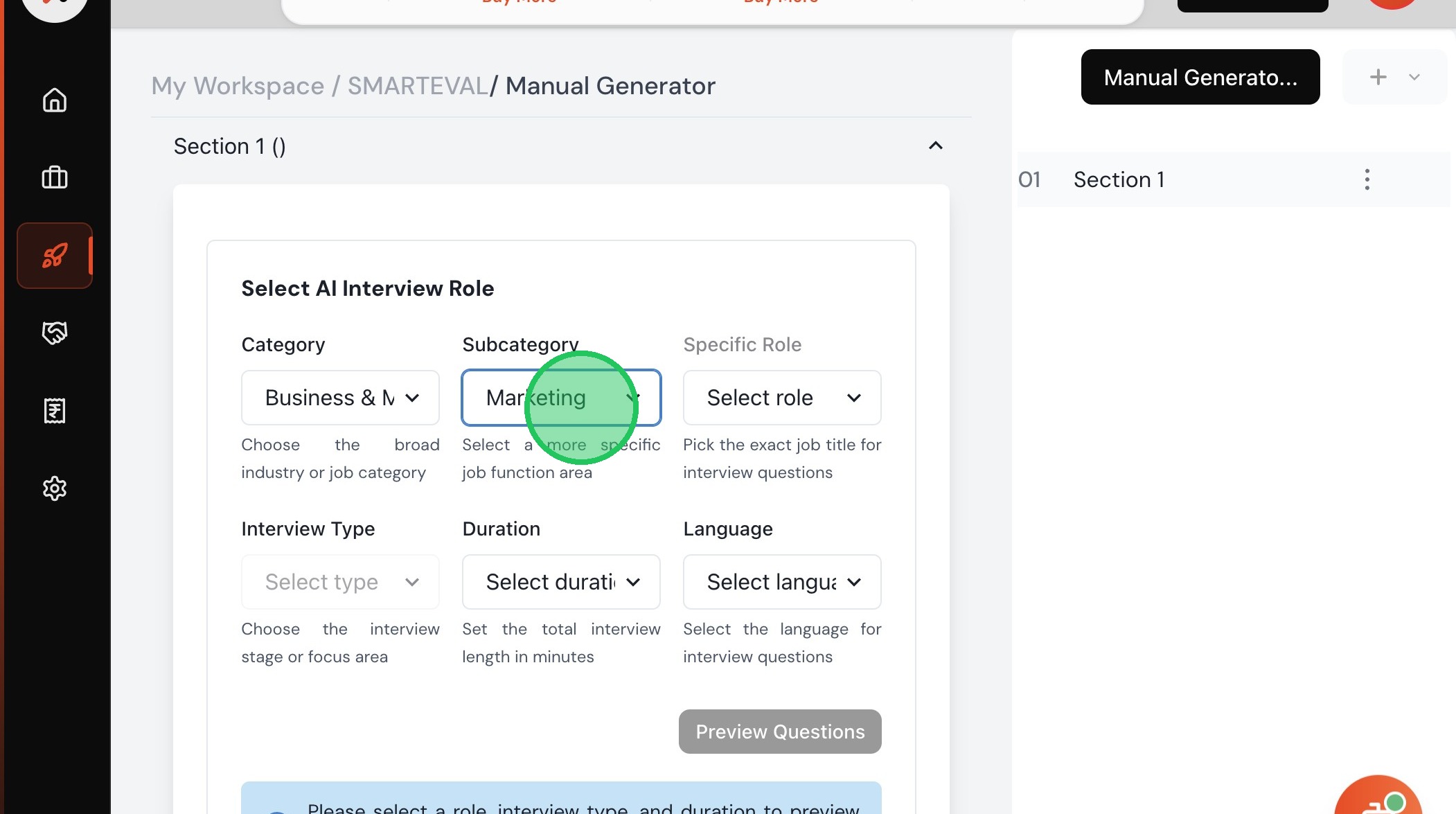
Step 7 — Select a sub-category
Narrow down to the appropriate sub-category for the role.
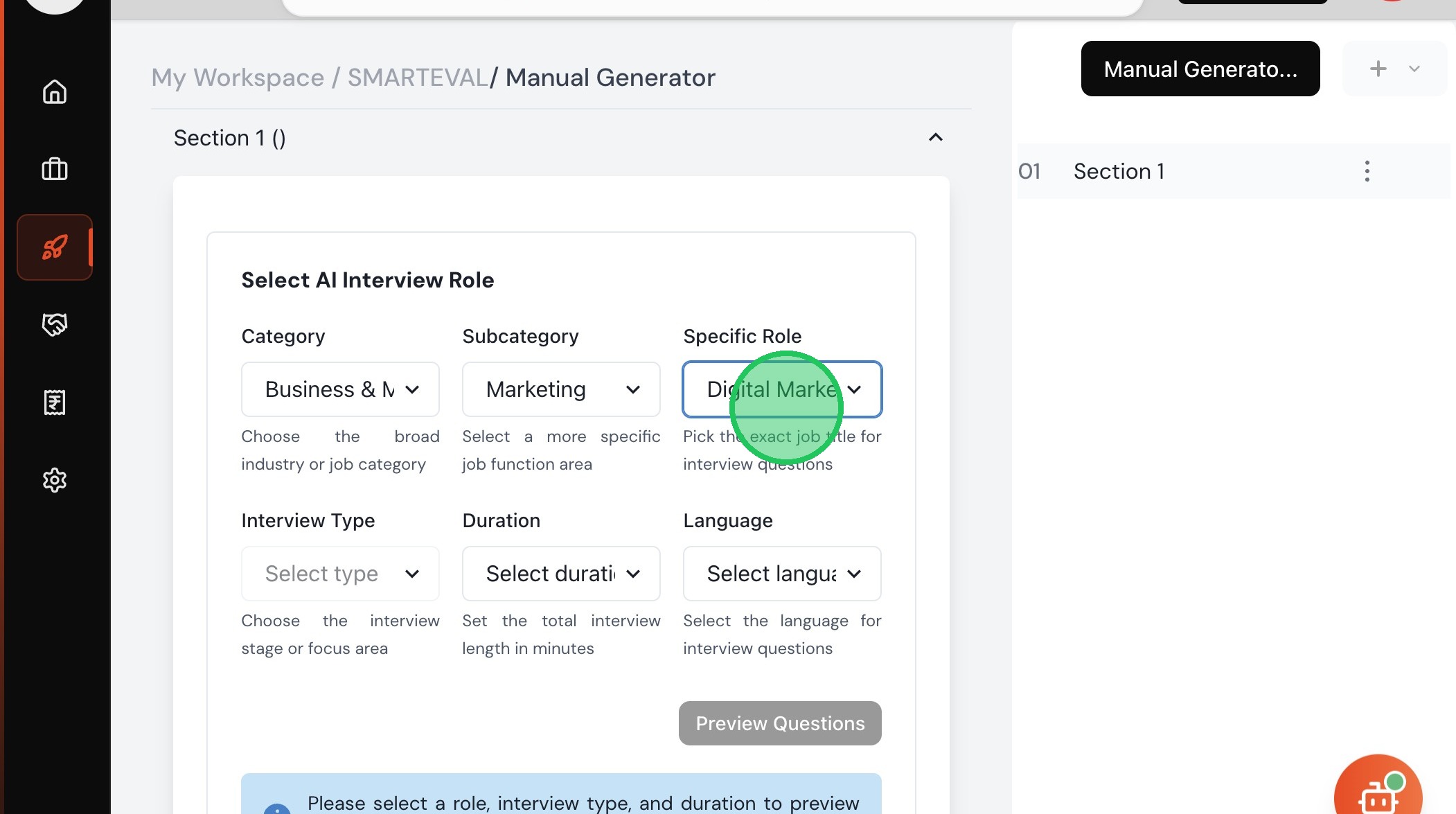
Step 8 — Choose the specific role
Select the exact role you are interviewing for.
Step 9 — Select interview type
Choose the interview type (e.g., Technical, Behavioural, or Mixed).
TIP
Mixed interviews combine technical and behavioural questions — best for most roles.
Next Steps
After creating the interview
- Preview the interview before sharing to check question flow
- Share the link directly via email or copy it from the assessment settings
- View responses in Analytics once candidates submit