A Step by Step Guide for the Candidate to complete the AI Interview
(https://scribehow.com/shared/A_Step_by_Step_Guide_for_the_Candidate_to_complete_the_AI_Interview__1ojvJ9fJQXOITd5hc53iEw)
This guide provides a step-by-step process for the candidate to successfully complete the AI Avatar based interview. It covers essential technical checks, such as microphone and camera access, and outlines the interview flow, including time management for responses. By following this guide, you can enhance your chances of making a positive impression during the interview.
- To attend an AI Avatar based Interview sent to your mail
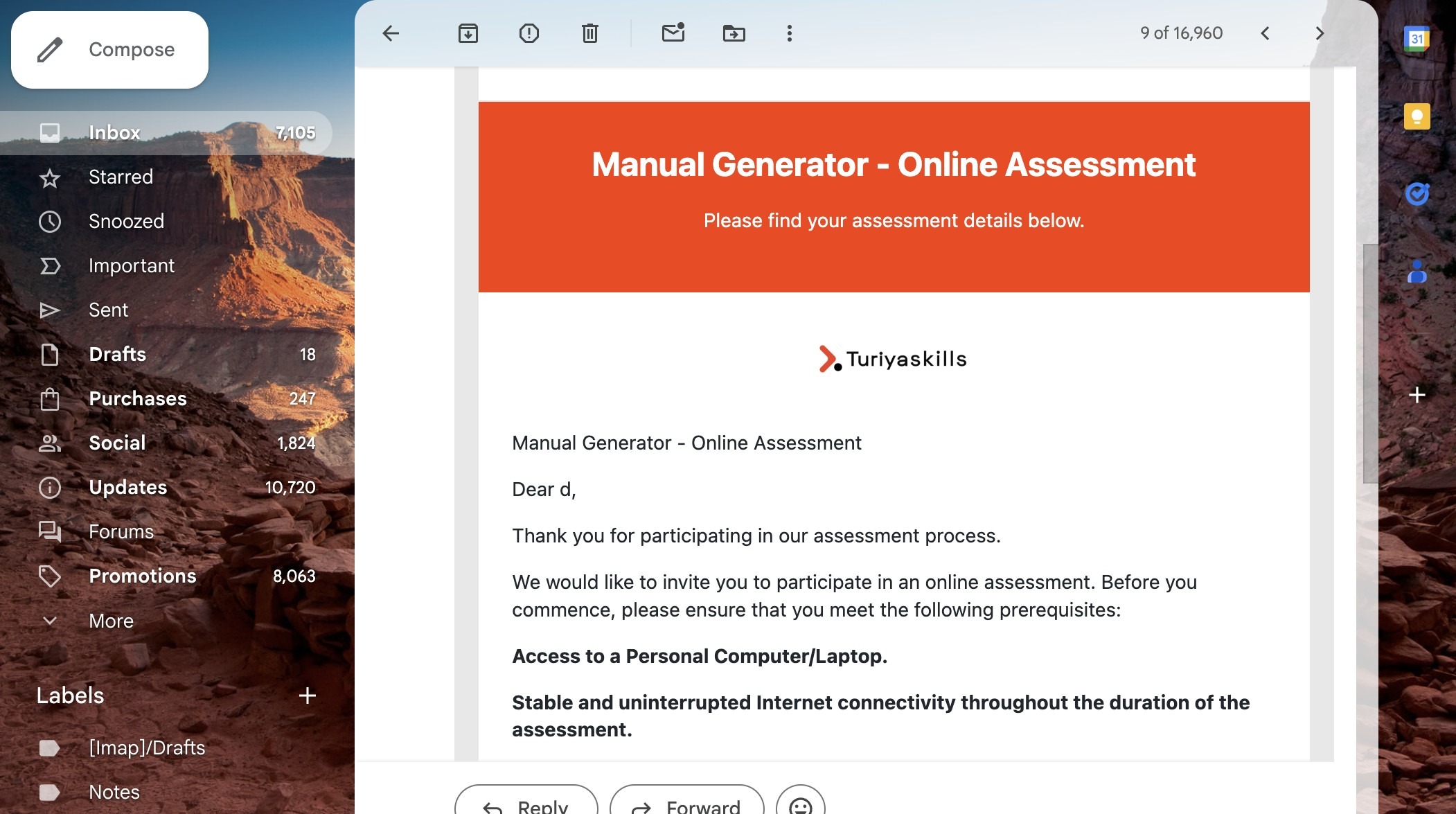
- Click on "Access Assessment"

- It will take you to a new page and then click on "Start Interview"
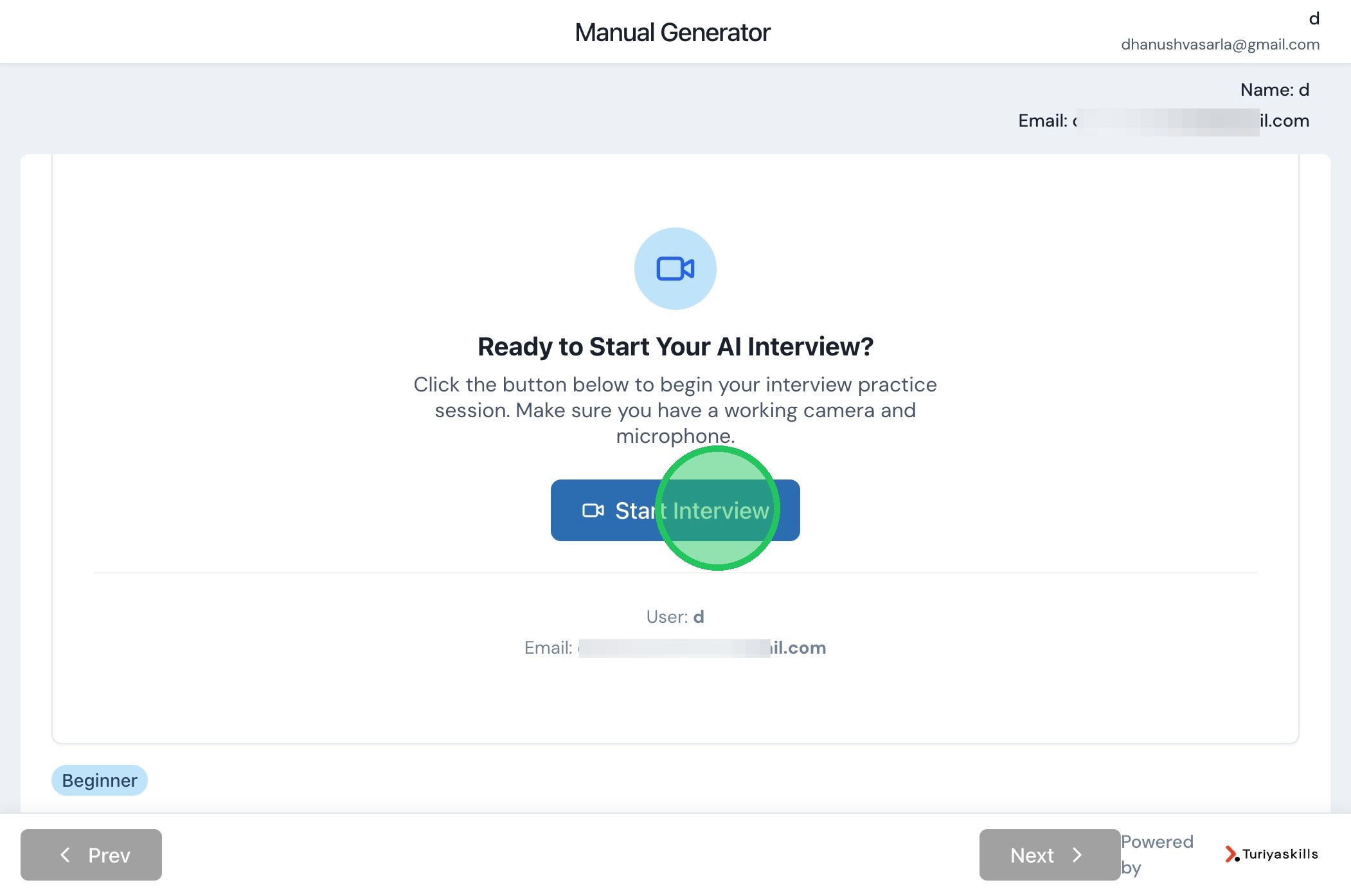
- Give access to your Microphone and Camera and click on "Check Voice Quality" to test your microphone

- Check this Check box to confirm
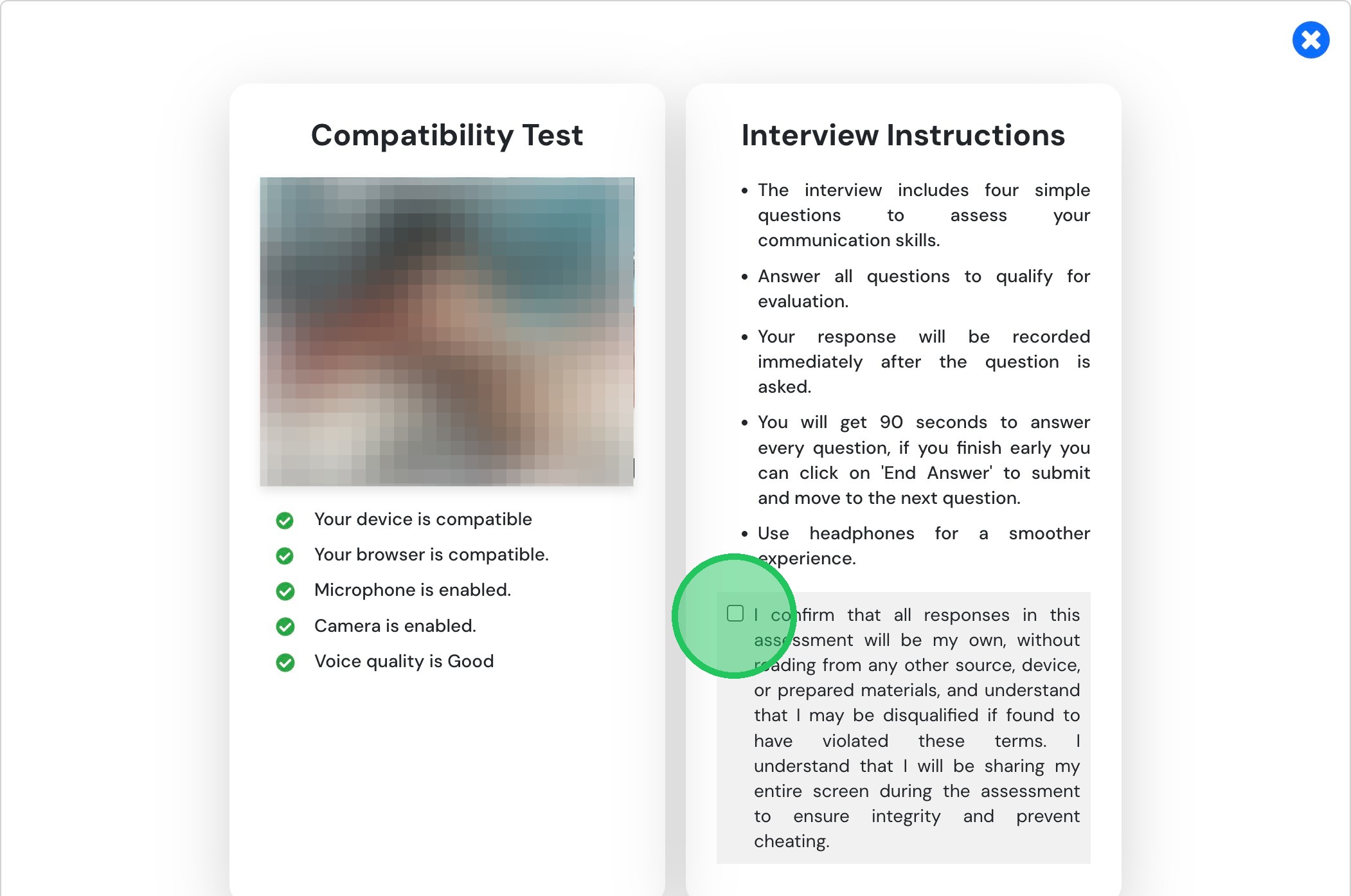
- Now Click on "Start Interview" to Begin your Interview
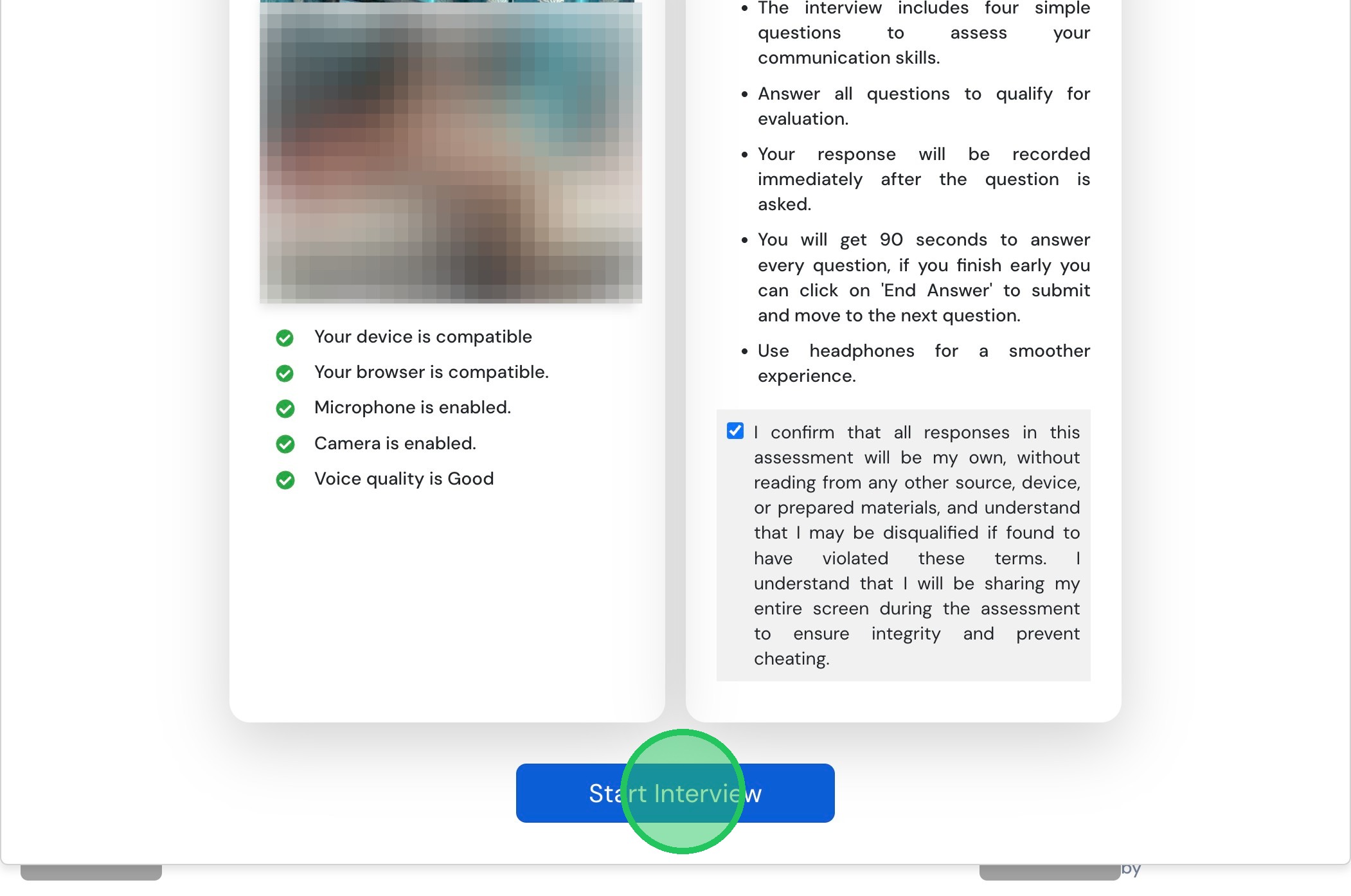
- check this
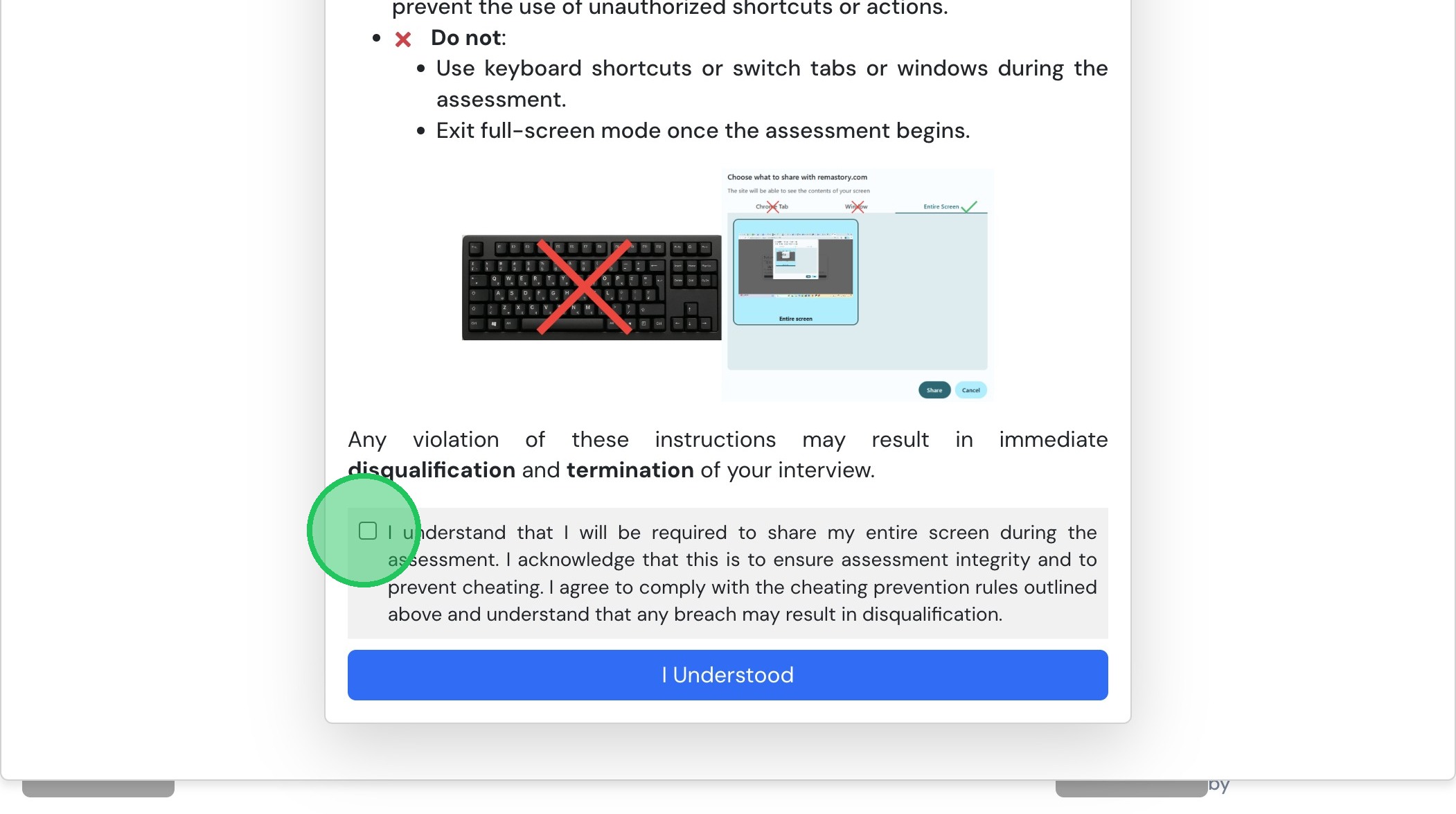
- Then click on "I Understood" and when prompted to share screen click on entire screen and share
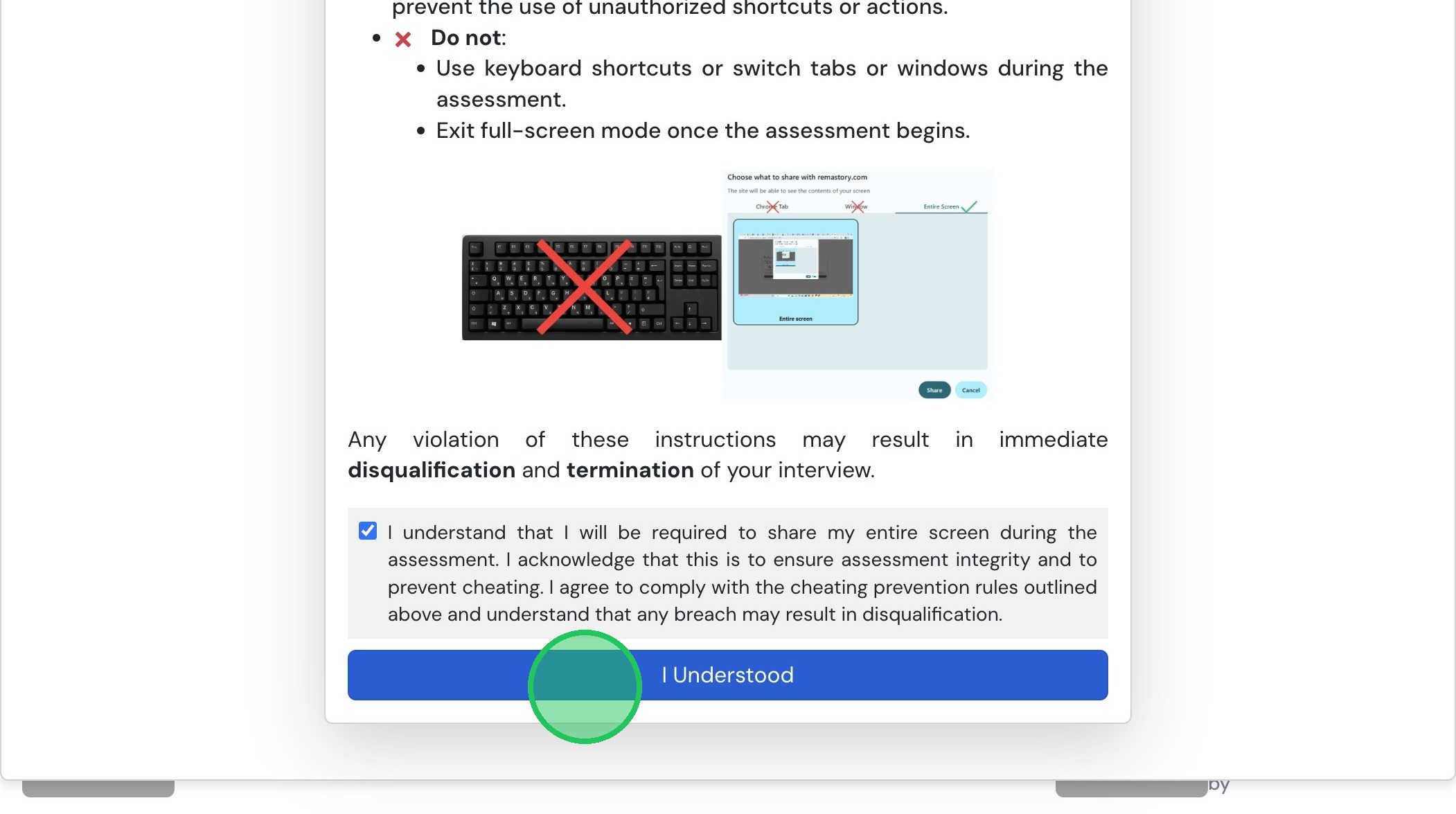
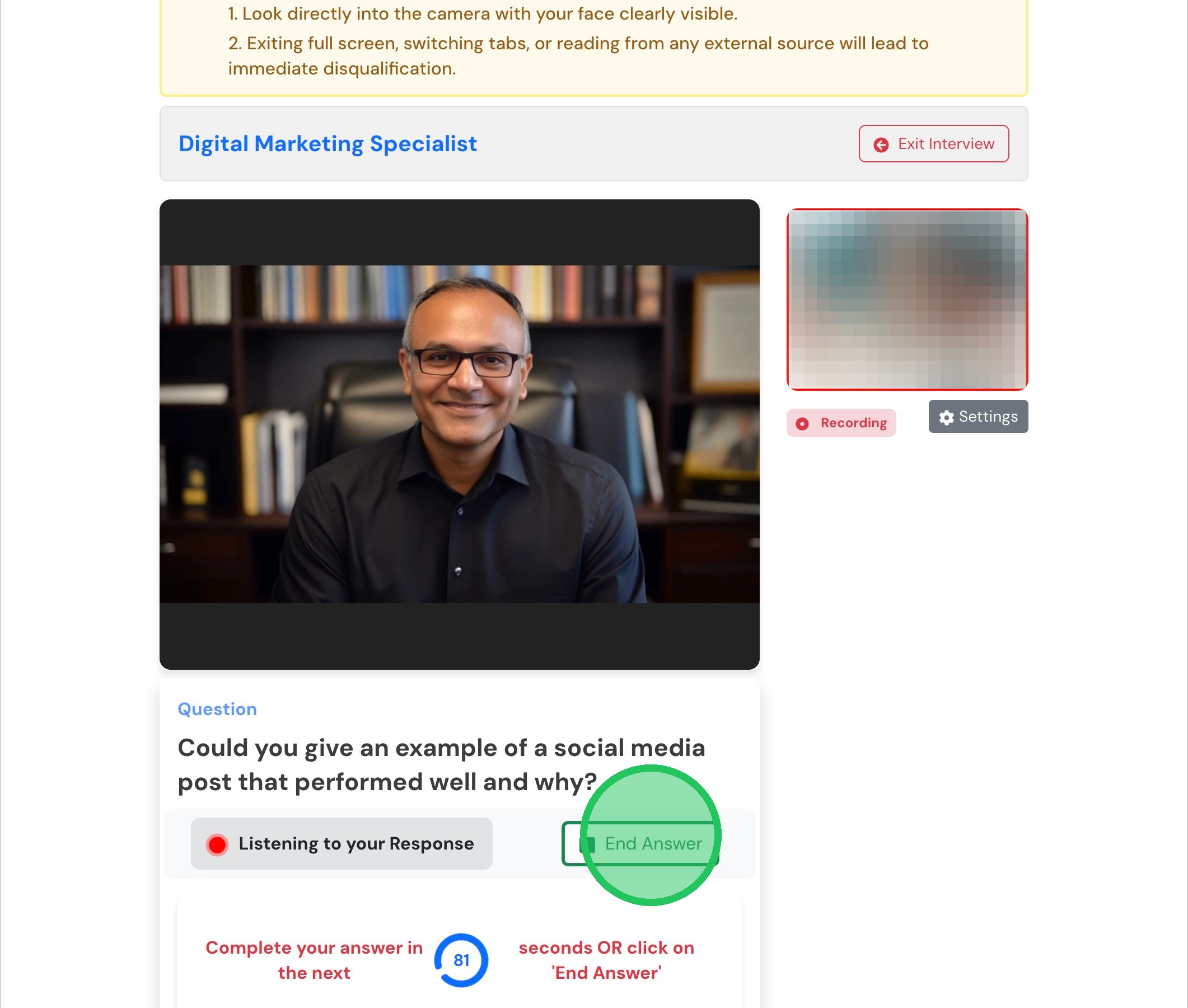
- After the question has been asked you will get 90 seconds to answer and after answering click on "End Answer"

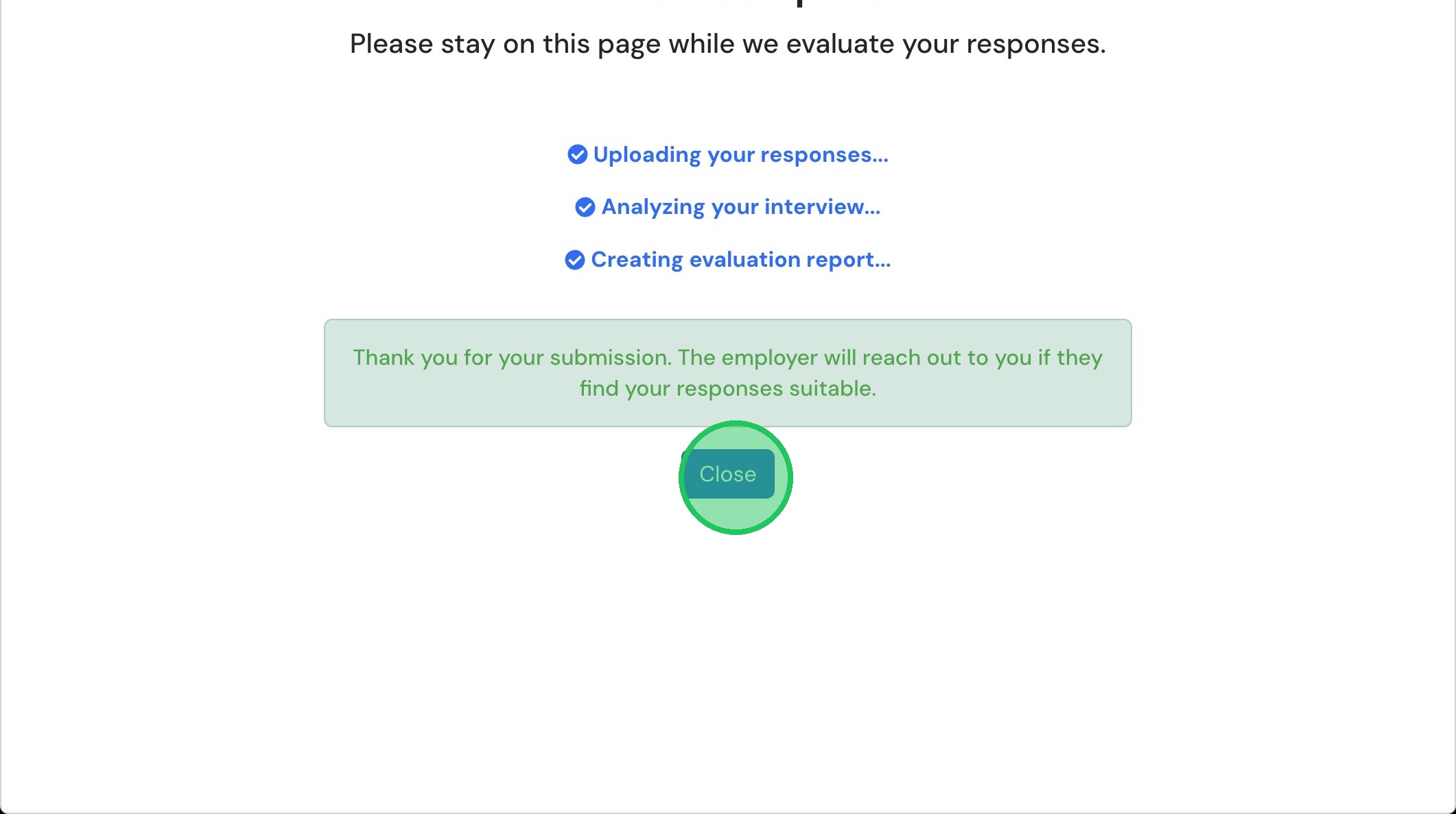
- On the final Question when you click on End Answer it will Upload your responses
- Wait till the uploading and analyzing has done and click on close